
Choose the AI services you use
Use your own account on each selected website. Every AI service keeps its own rules and conversation, and Ask Each AI does not claim affiliation or endorsement.
Local-first multi-AI workspace
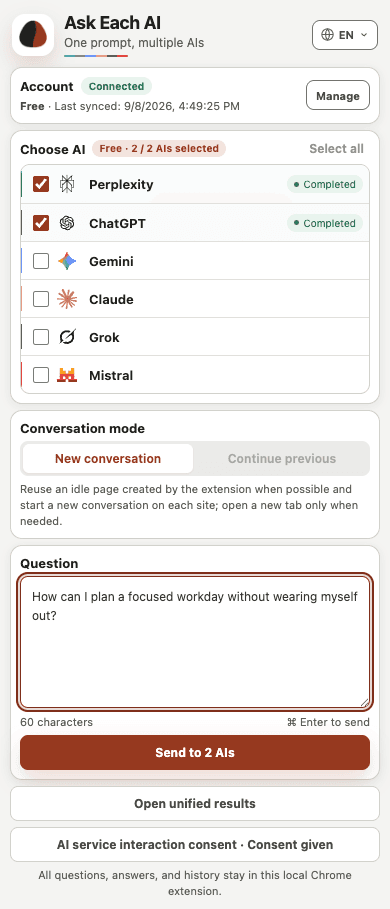
Choose up to 2 supported AI websites per session using your own signed-in accounts. Compare the answers together and keep history and exports on your device.
Independent sources
Choose the AI websites you want to use, then compare their distinct results locally without blending their accounts, conversations, or answers.
Use your own account on each selected website. Every AI service keeps its own rules and conversation, and Ask Each AI does not claim affiliation or endorsement.
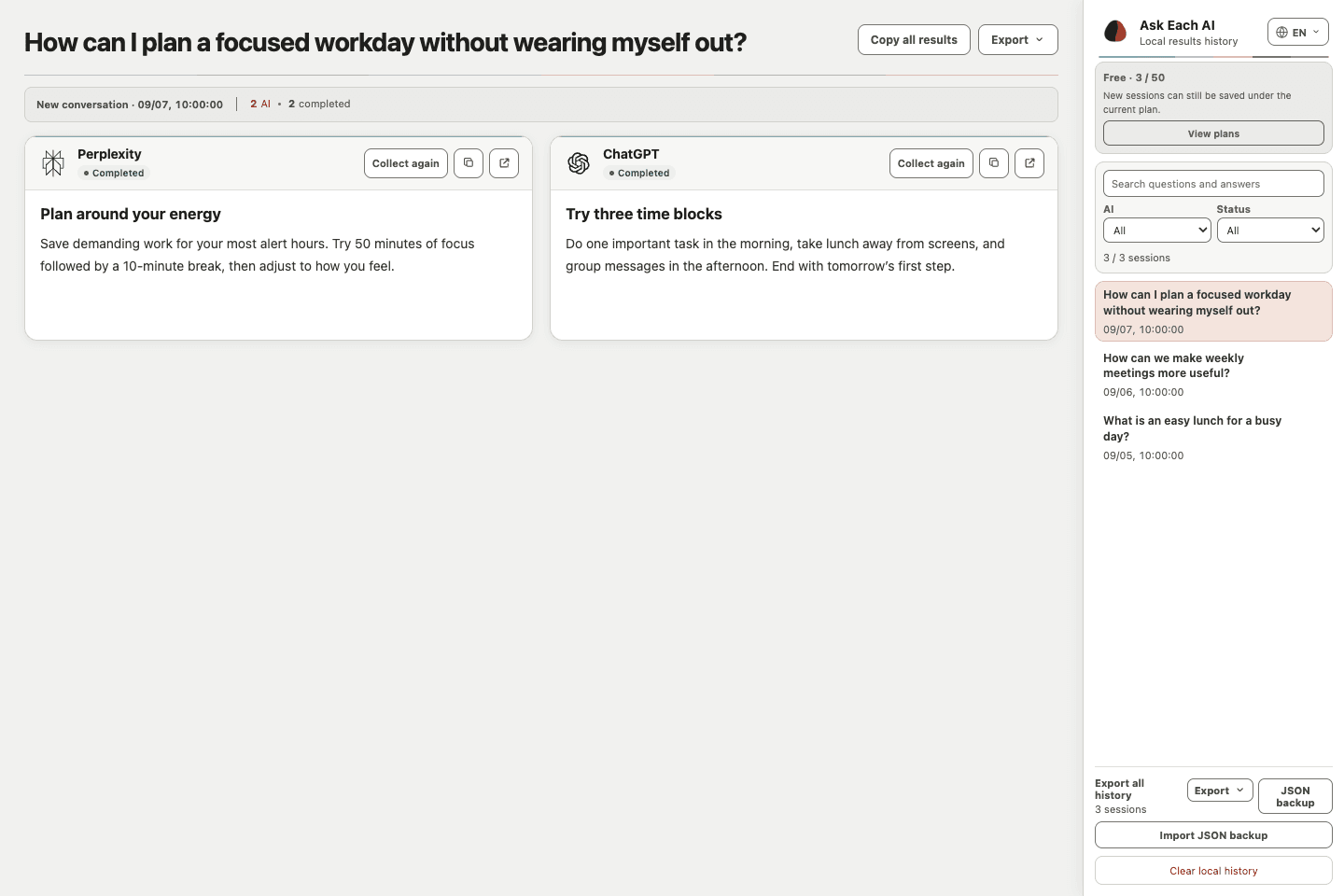
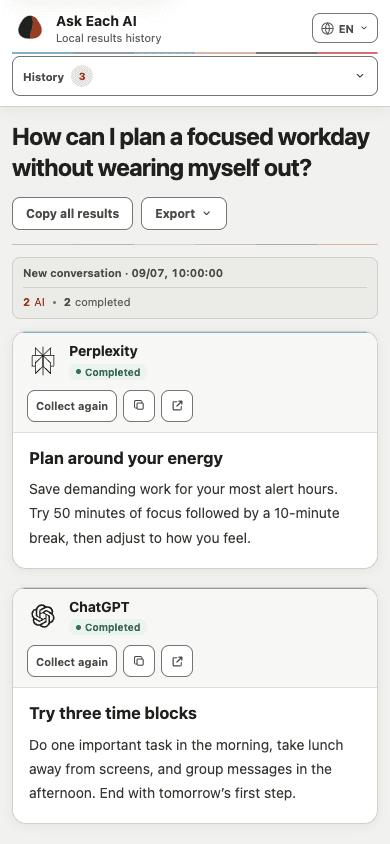
The unified results page puts selected answers beside each other while preserving each answer's source and status, plus an original-conversation link when one is available.
Product features
The homepage previews the three essentials. Conversation choices, recovery rules, exports, and data boundaries are explained in detail on Features.
Choose up to 2 supported AI websites per session using your own signed-in accounts. Compare the answers together and keep history and exports on your device.
Answers remain separated in one results page, so you can resume collection for one AI service without disturbing the others.
Keep local records on your device, then export the session or history when you choose.
How it works
Each AI website runs independently while prompts, progress, and results remain visible in one workflow.
Choose up to two AI services for the question you want to compare.
Ask Each AI sends a separate task to every AI service you selected.
Review independent progress and answers, then recover or export only what you need.
Privacy
Your prompt is sent only to AI services you explicitly select. Ask Each AI does not centralize that content on its own servers.
A prompt goes directly to the AI websites you choose for that session, not to an Ask Each AI model service.
Ask Each AI does not centralize your prompts, answers, or complete local history on its own servers.
The product provides no model credits and calls no AI APIs. AI websites continue to apply their own account and privacy rules.
Plans
Ask Each AI currently offers Free only: up to 2 AI services per session, local history without a plan-based record limit, and 1 active connected device. No payment is required.
Use selected AI services, unified results, local exports, and one active connected device.
Ask Each AI does not centralize prompts, answers, AI website content, or complete local history.
Pro · Not available for purchase yet
FAQ
Learn how the AI runtime window, accounts, local data, and safe result recovery work.
Ask Each AI keeps extension-owned AI pages together in one ordinary Chrome window so it can coordinate selected services without moving, reloading, or taking over AI tabs you opened yourself. The window is created without automatically taking foreground focus.
A failed result does not necessarily mean the same thing for every AI service. Check the exact message shown on that result card.
Recover collection and Collect again read an existing AI conversation without sending the prompt again. Retry is used when the task failed before a safe submission was confirmed. Send again explicitly submits the prompt one more time and should be used only when the result card says the AI page did not accept the original submission.
Yes. Ask Each AI uses your existing sign-in on each selected AI website. Each service controls its own account eligibility, subscription, usage limits, regional availability, and content rules. Ask Each AI does not provide model credits.
Prompts, collected answers, and complete history stay in the Chrome extension on your device by default. A prompt is sent to each AI service you explicitly select, but Ask Each AI does not upload that content or complete local history to its account service.
The current product supports Google Chrome and plain-text prompts. It does not currently send images, file attachments, audio, or other non-text inputs.